01
Five platform families
Separate Windows, Mac, Android, iOS, and Linux entries.
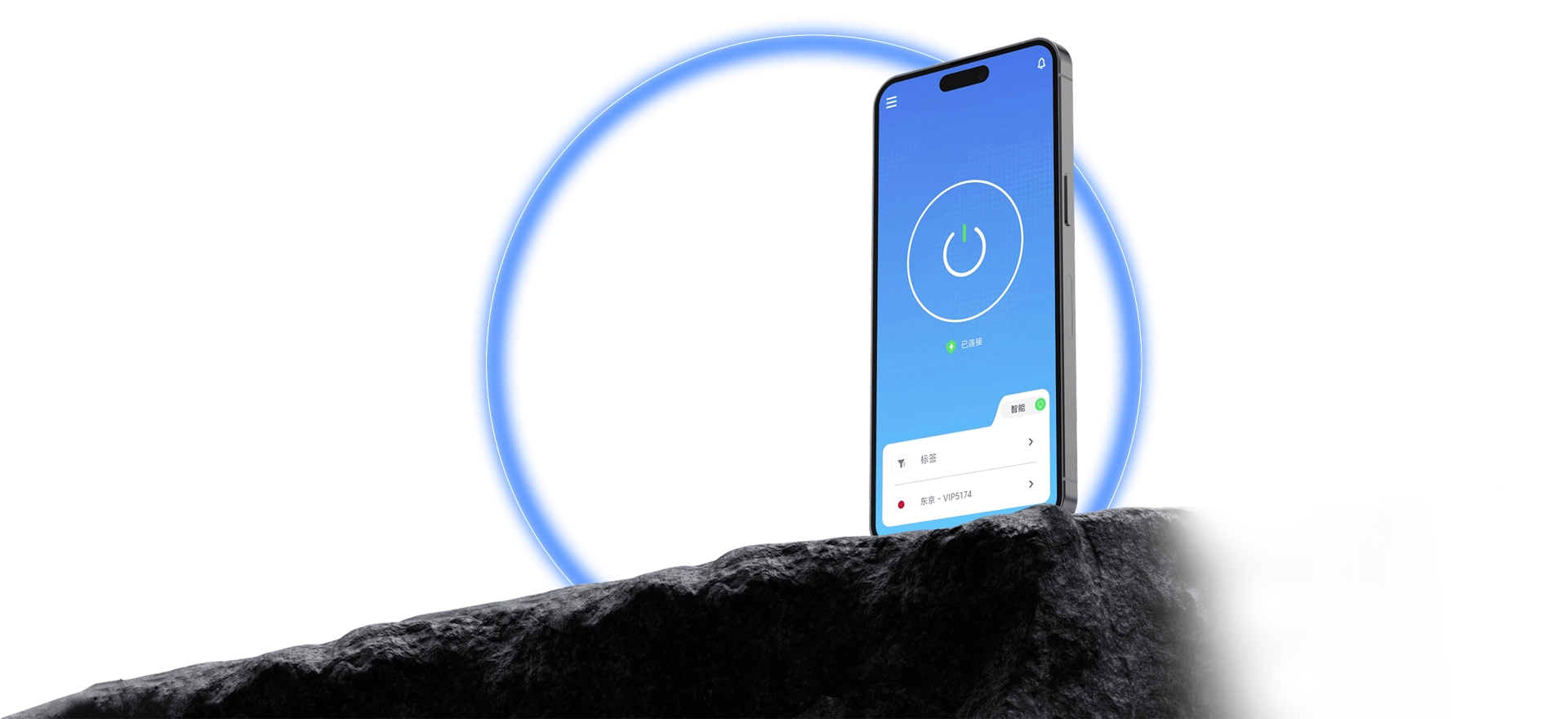
Choose the computer or phone system. Check requirements, download and install, sign in, select a route, then press connect.
QuickQ is a network connection client for desktop and mobile systems. The download center brings together Windows, macOS, Android, iOS, and Linux entries with system requirements. Check compatibility, finish installation and sign-in, then select a route and start the connection.
Review the information needed to get the client in one place.
Separate Windows, Mac, Android, iOS, and Linux entries.
Check device version and available space before installation.
Follow system steps and use the tutorial for first sign-in.
Choose a route, press connect, and wait for status confirmation.
Match the file to the operating system and review current requirements.
If an installation prompt is unclear, check the tutorial step by step.
Confirm OS name, version, and processor architecture.
Use the corresponding platform entry and finish installation.
Select a route in the client and press connect.
This page and the download center list platform entries. Choose a platform to open its version area, then match the file to your device system.
The current page lists Windows 10/11, macOS 11+, iOS 14+, Android 8.0+, and Ubuntu/Debian notes. The current download build is the final reference.
Install, sign in, select an available route, and press connect. Continue to the destination app once connected status appears.
Choose the matching system version and review installation requirements.